To participate in this contest,
please complete the form by
following the steps below.
Enter the required details
and upload your photo
before submitting.
Before submitting your entry, please review the guidelines. Only if you agree to the contents, check the box provided.

Please click the button indicated by the red frame.
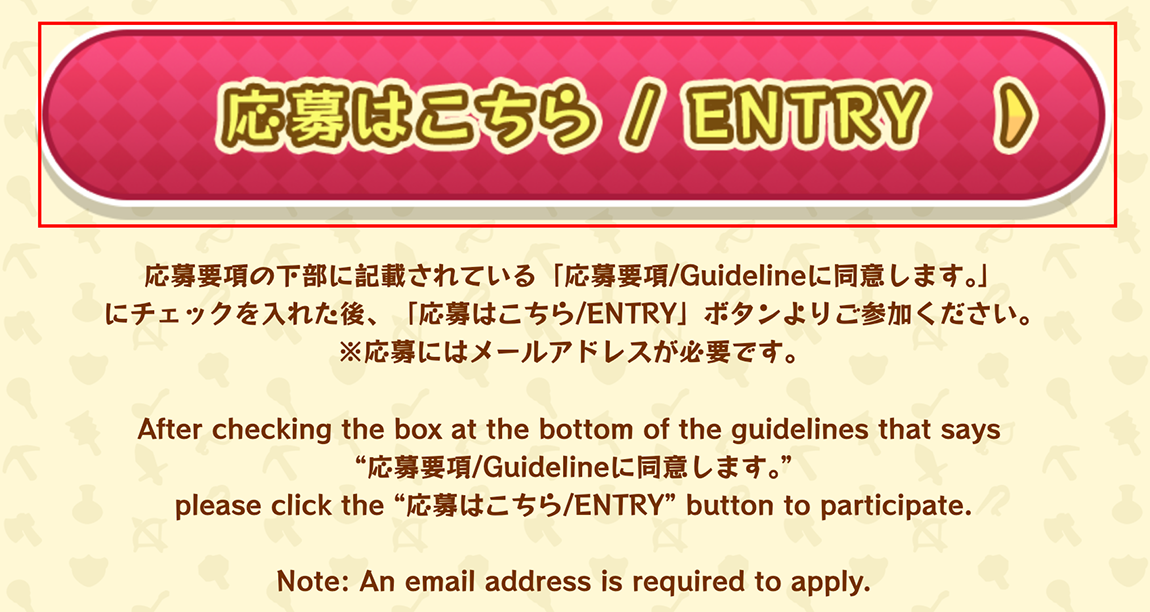
Please click the button indicated by the red frame.
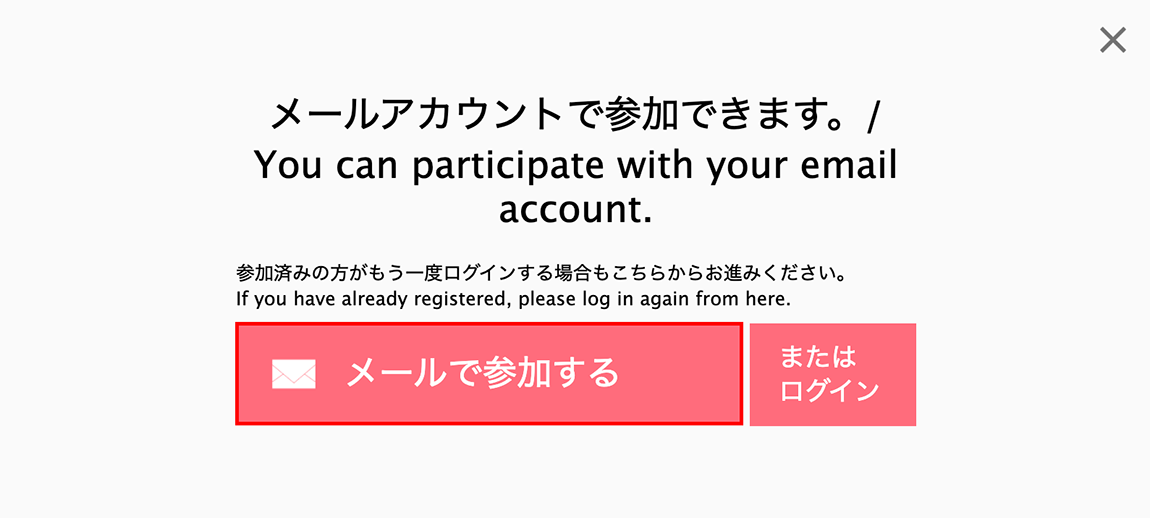
Please enter your email address and password, then click the button indicated by the red frame. Set your password according to the following requirements:
This password will also be required when logging in again after you log out.

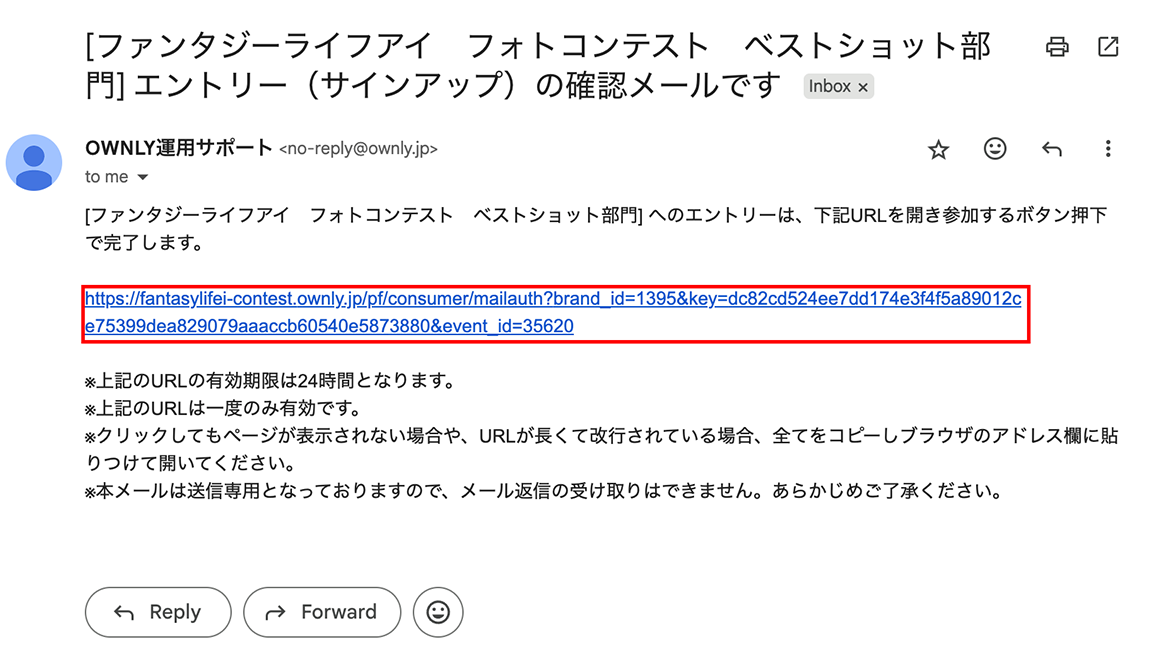
A confirmation email will be sent to the email address entered in Step 4.
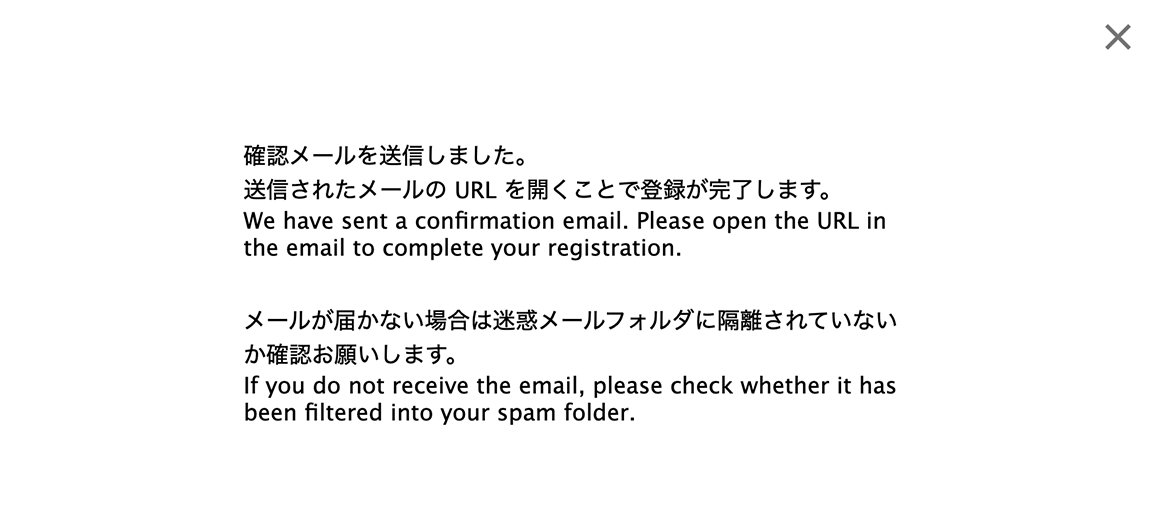
Please click the URL indicated by the red frame.
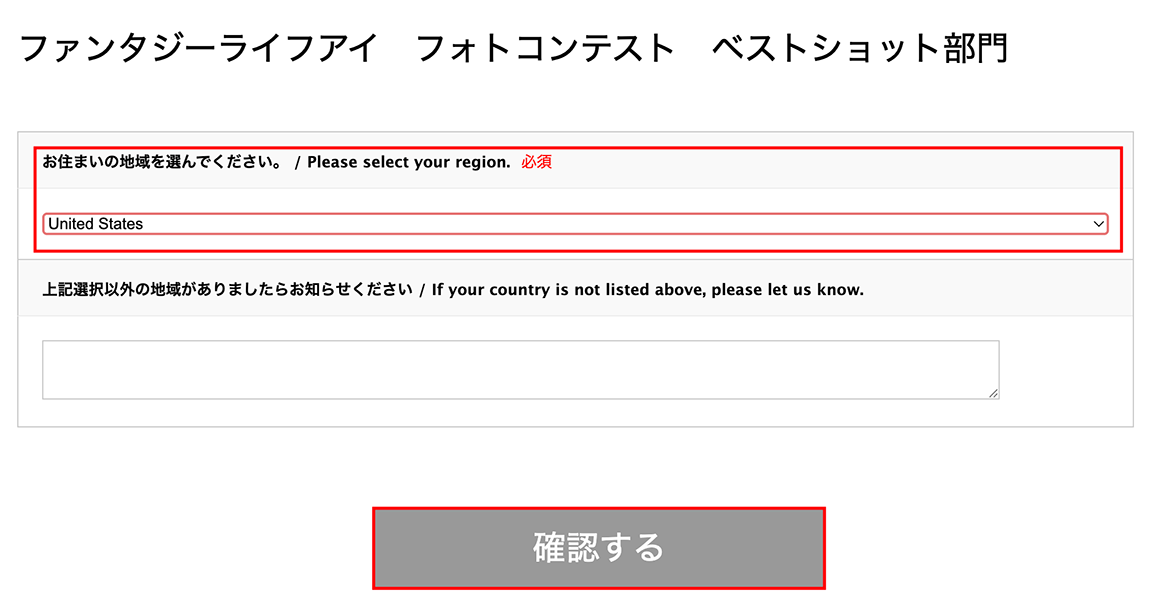
Please select your region from the pull-down menu and click the button indicated by the red frame.
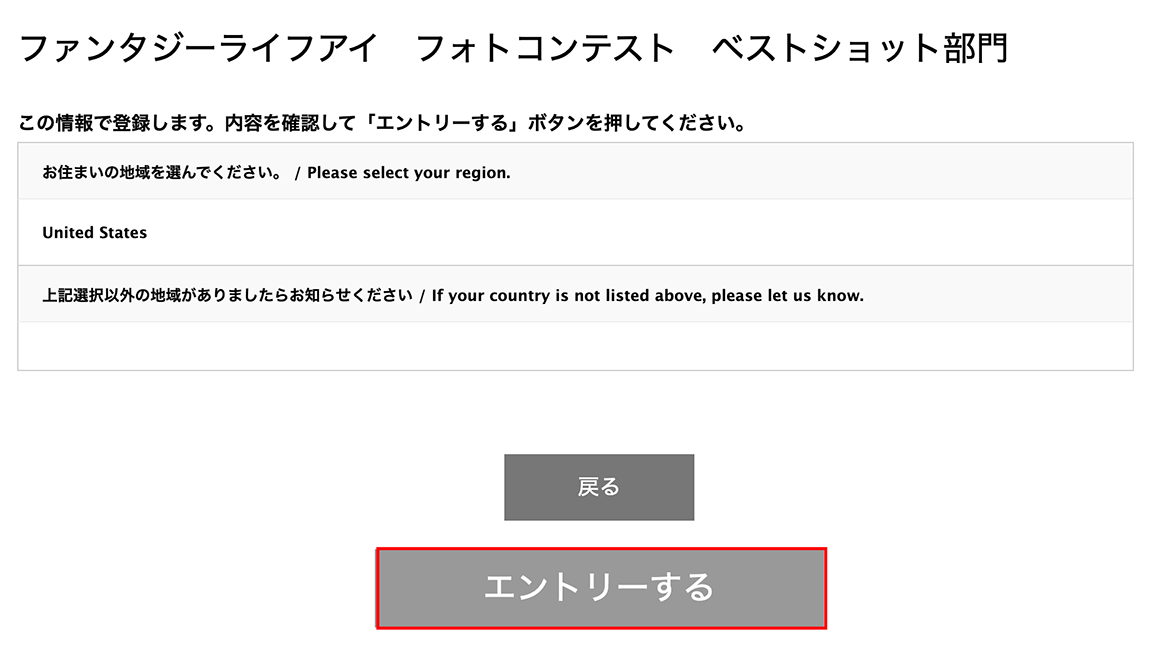
Please review the information, and then click the button indicated by the red frame.
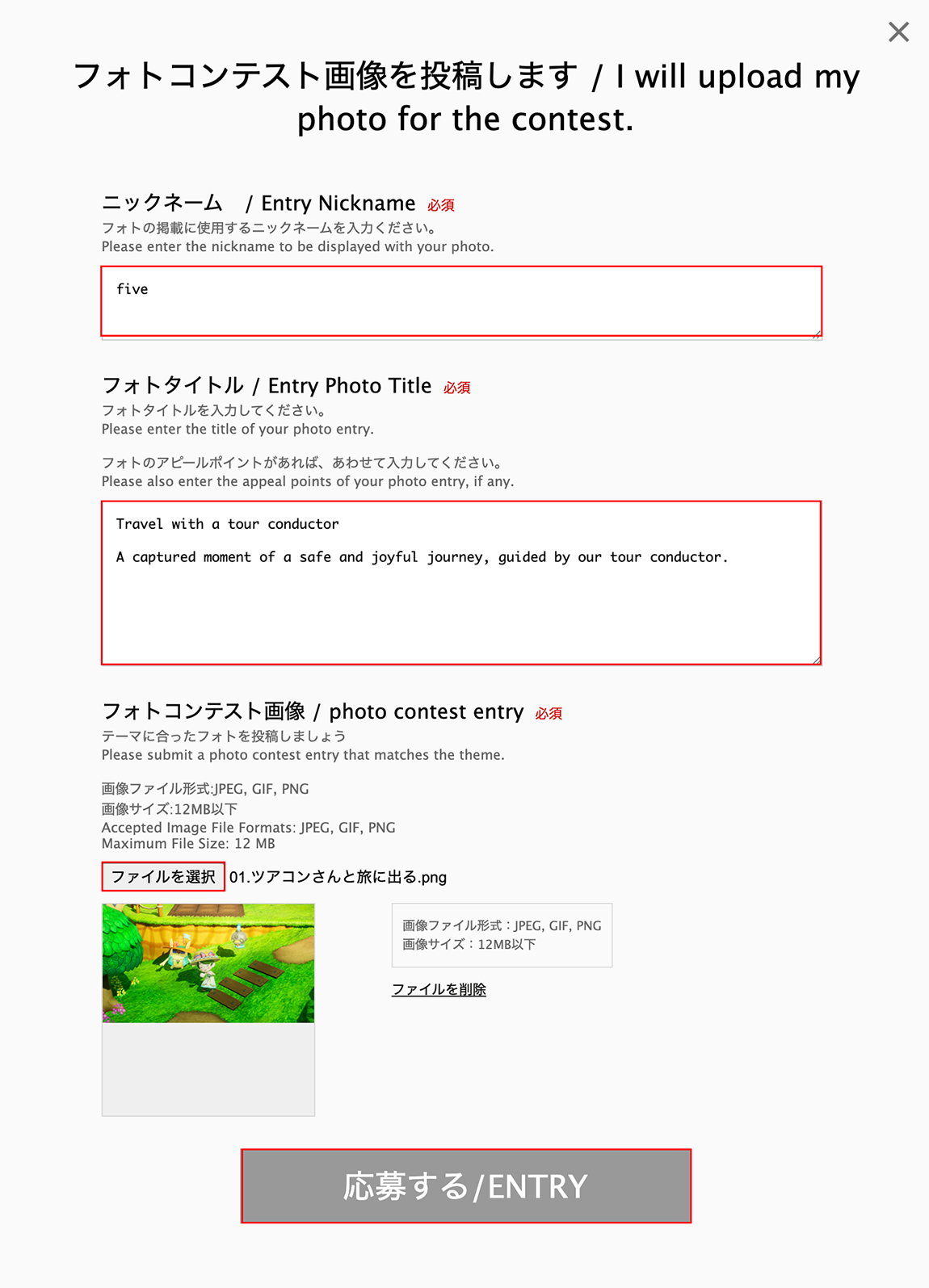
Please enter your nickname, title, and appeal points, and then upload your image using the button indicated by the red frame.
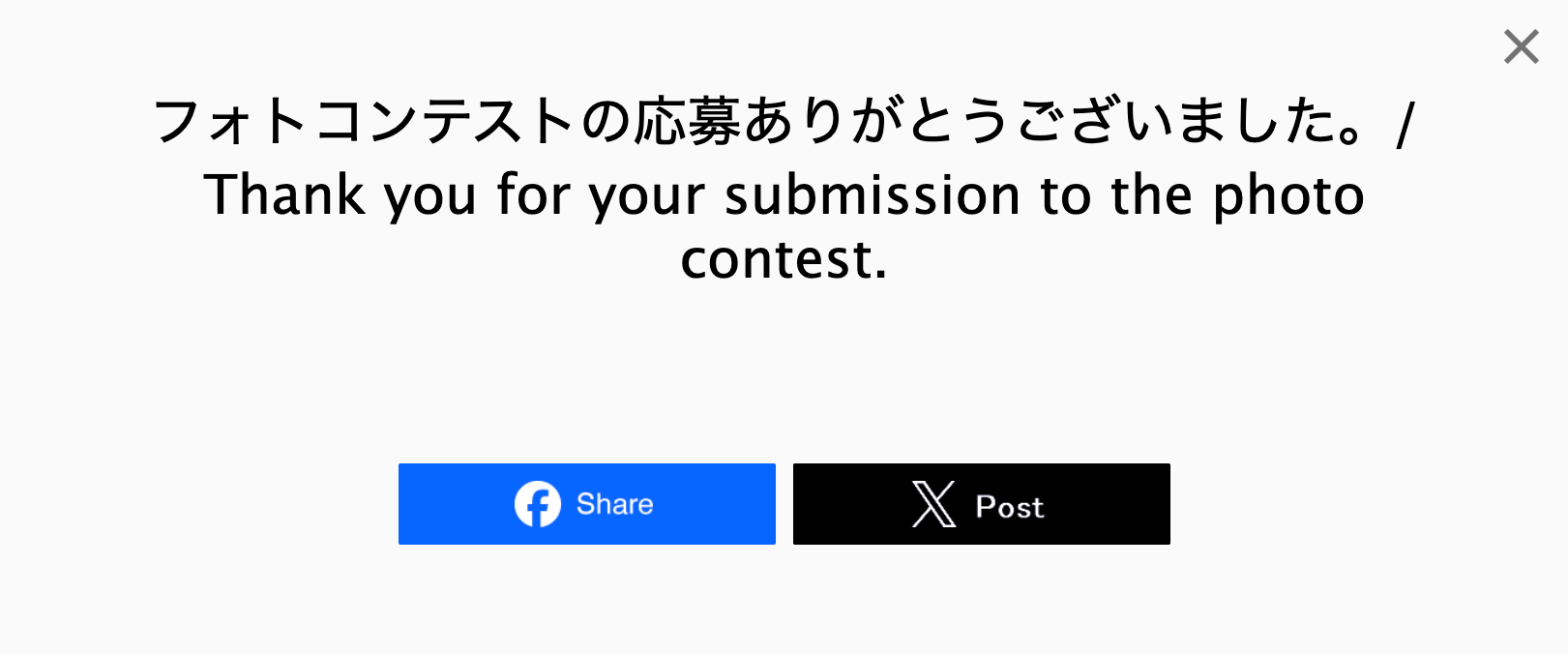
This completes your contest entry.
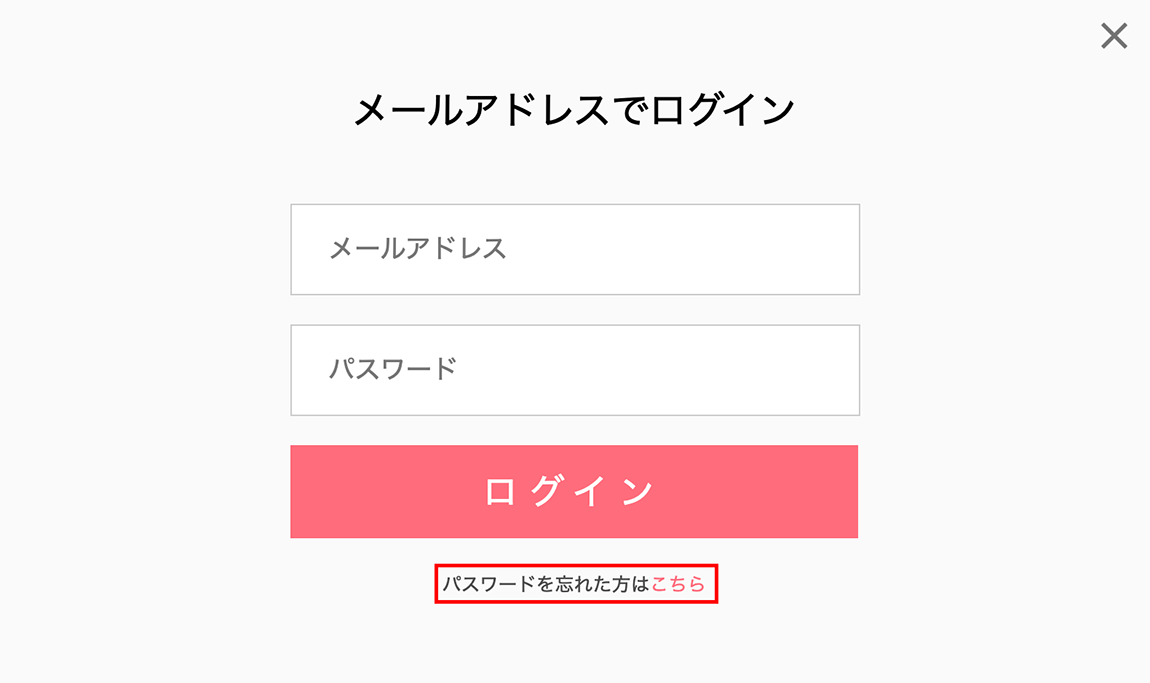
If you forgot your password while logging in, please click the section highlighted in red.
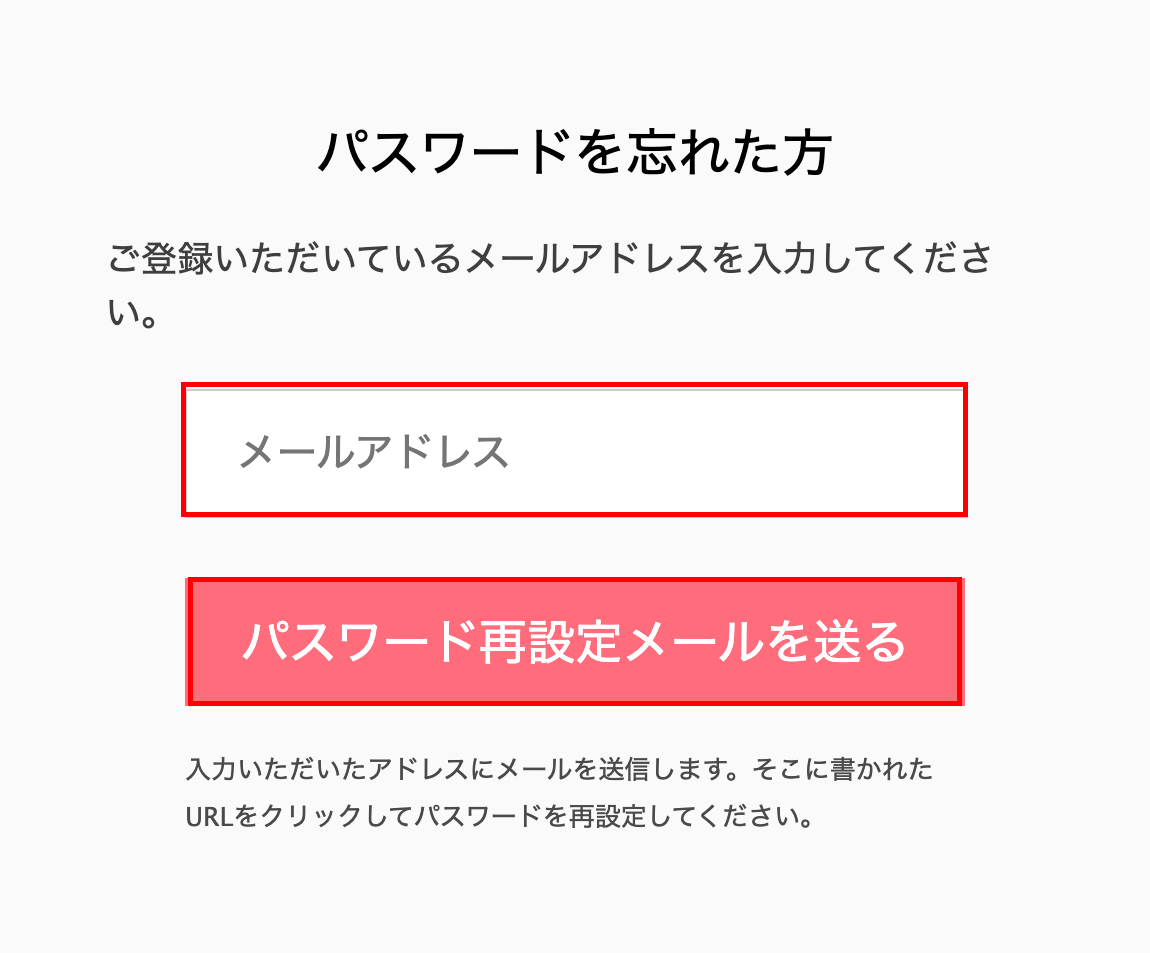
Please enter your registered email address in the section highlighted in red.
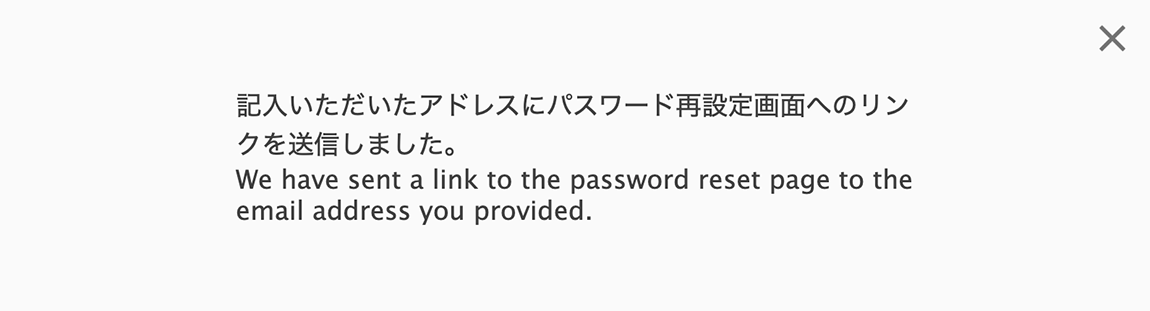
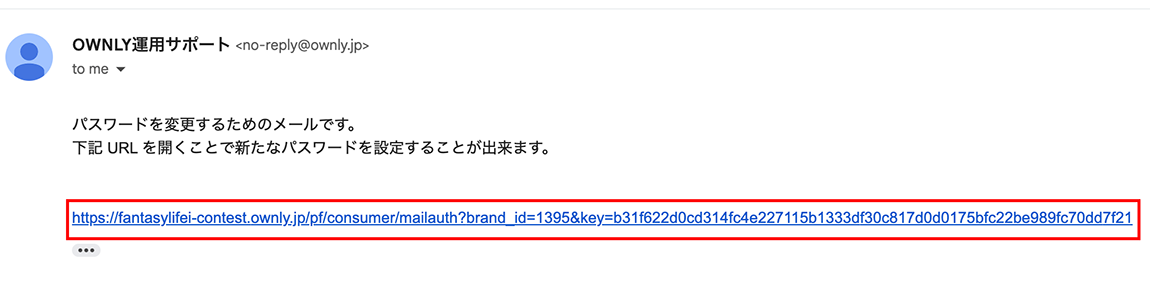
An email with a link to the password reset page will be sent to the email address you entered.
Please click the URL indicated by the red frame.
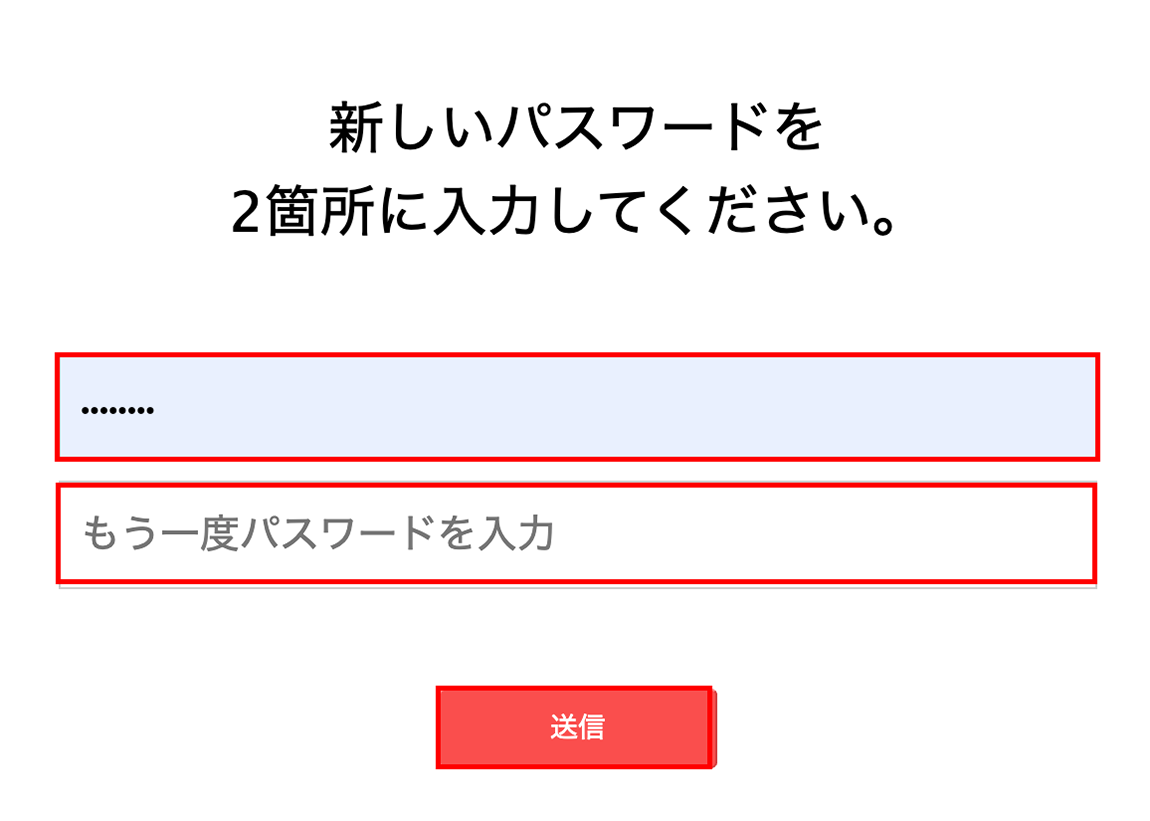
Please enter your new password in both fields.
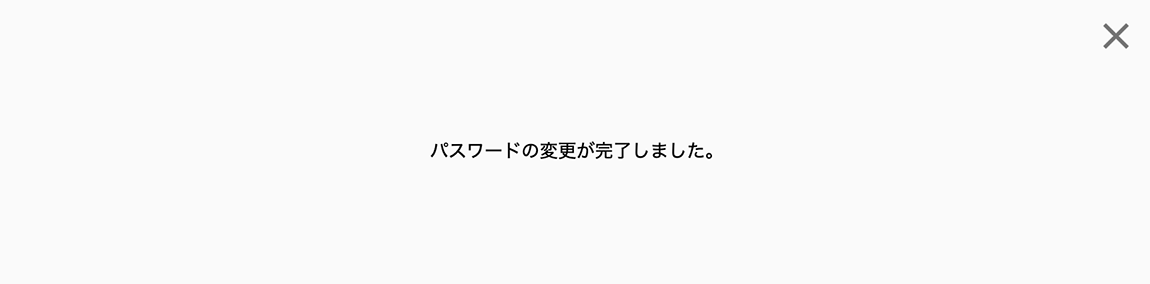
This completes the password reset process.